How it works
From a blank page to a CV for this job.
- Step 1
Pick a template
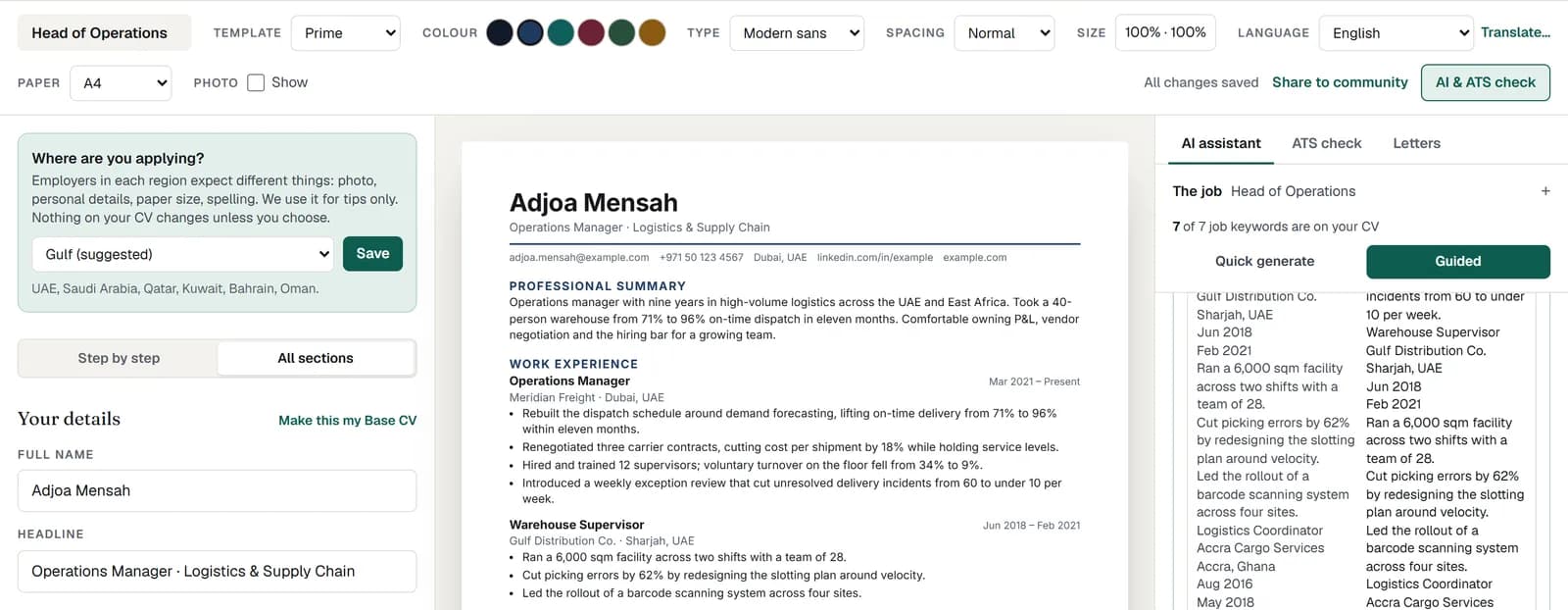
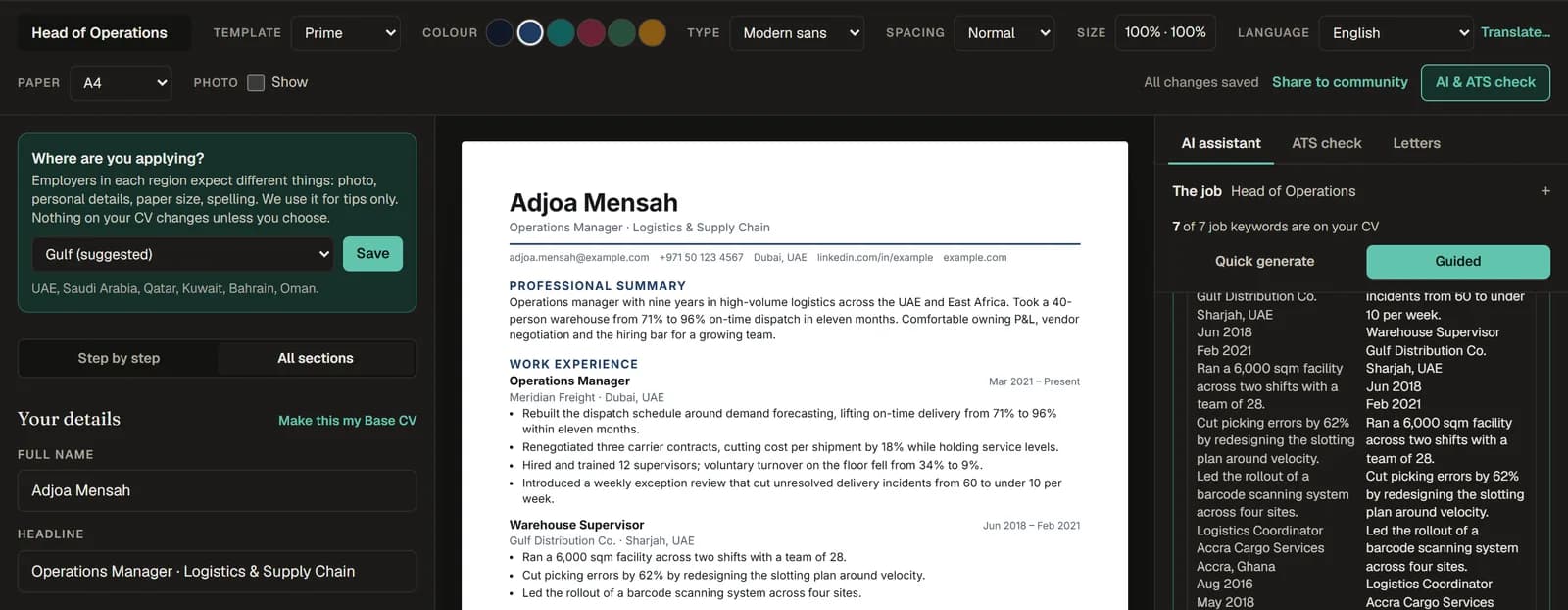
Start from a clean, single-column layout that screening software reads correctly. Choose a colour, a type pairing, the spacing and the paper size. You can change all of it later without retyping anything.
- Step 2
Fill it in, or import your old CV
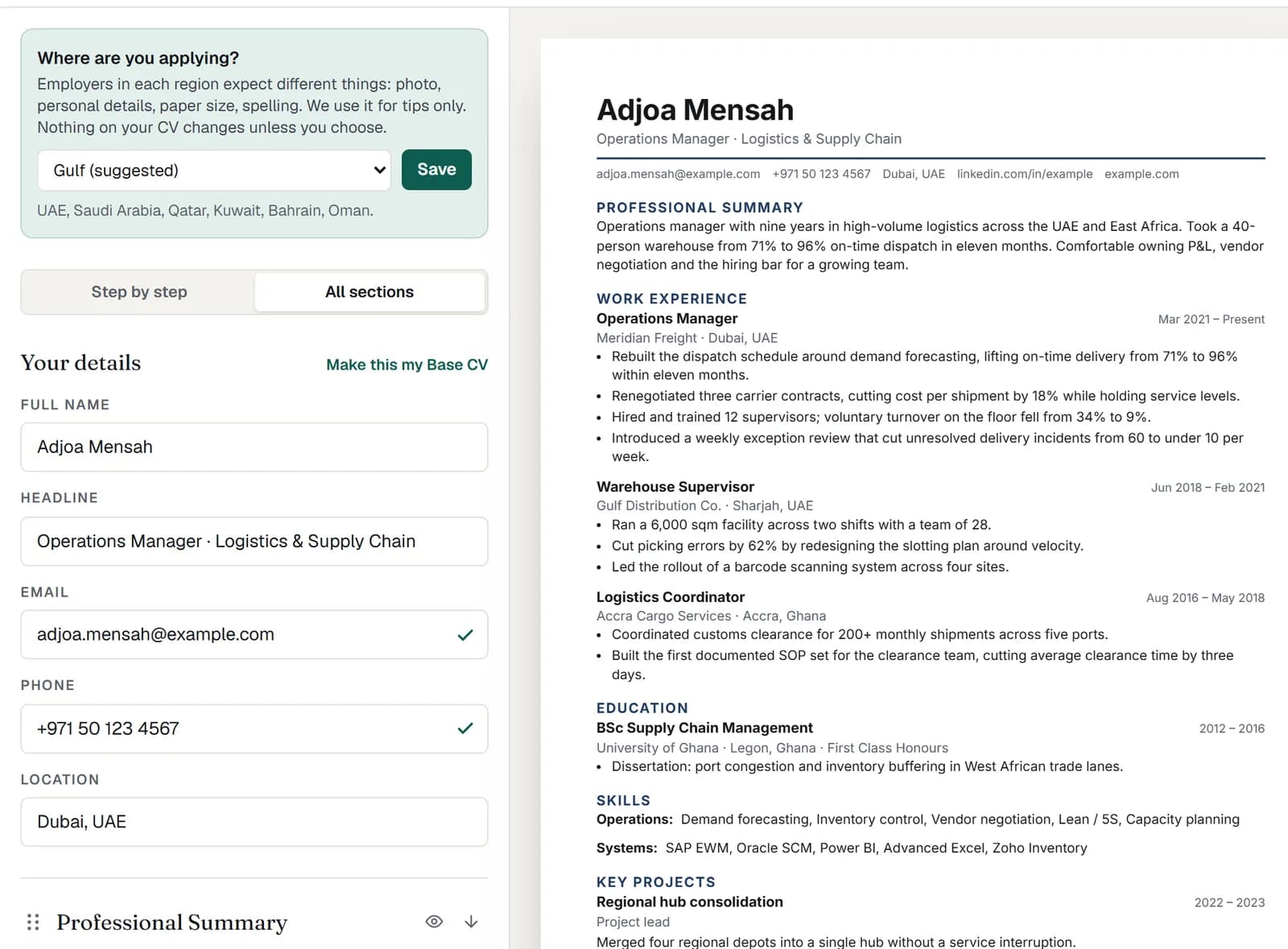
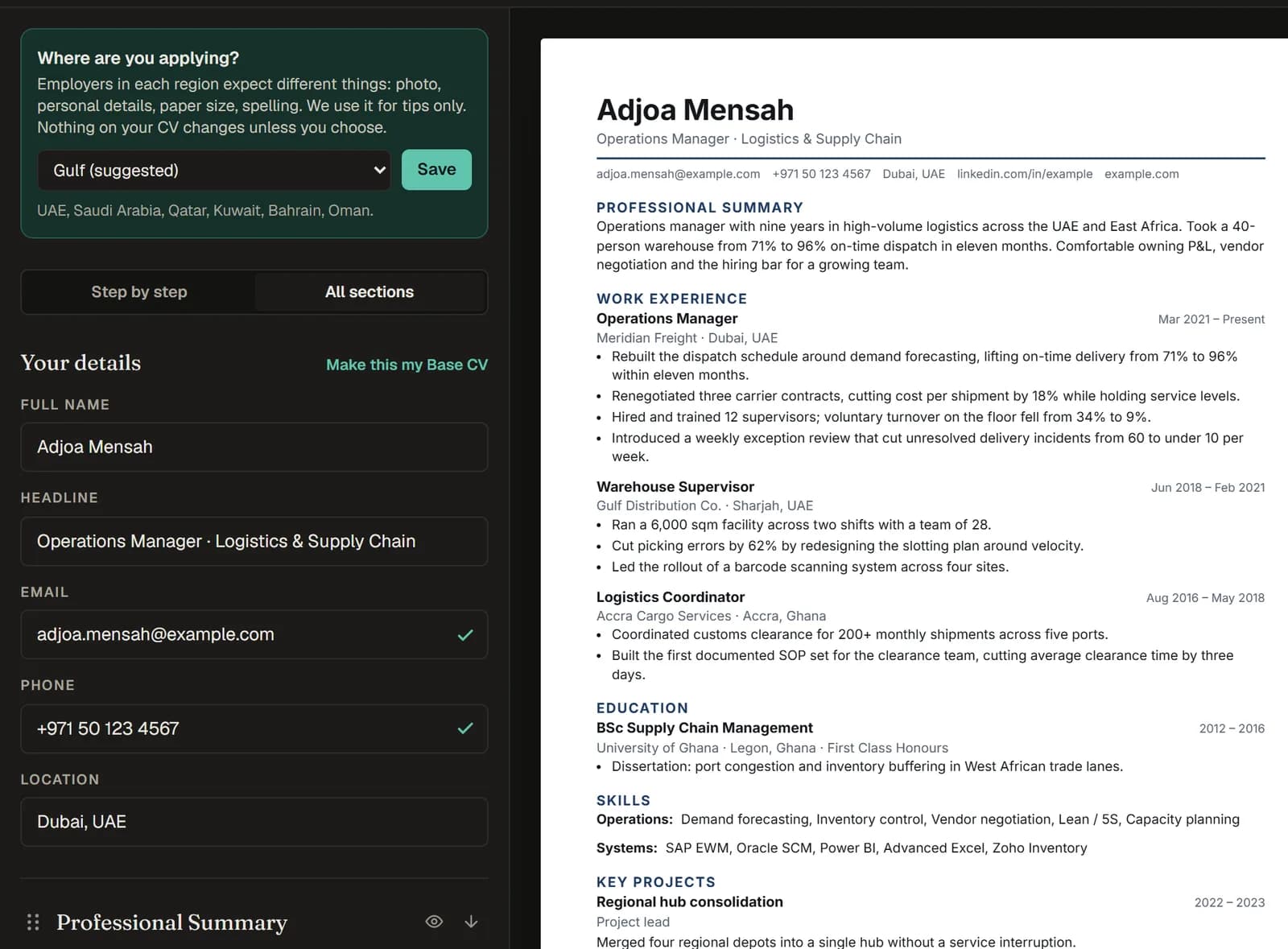
Type into the form and watch the real page update beside it. Signed in, you can upload an old CV as a PDF or Word file and it is sorted into the right sections for you.
- Step 3
Add the job
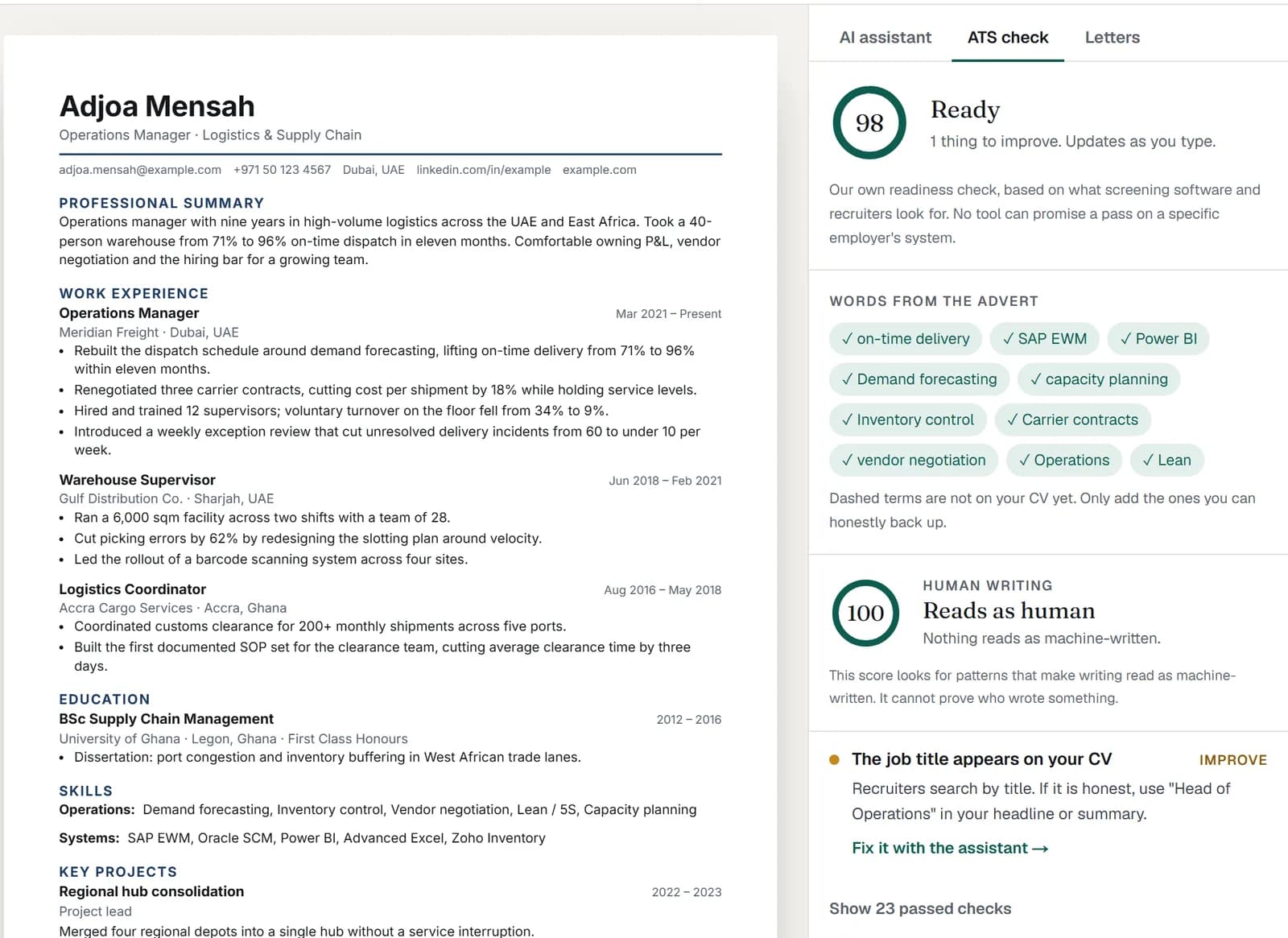
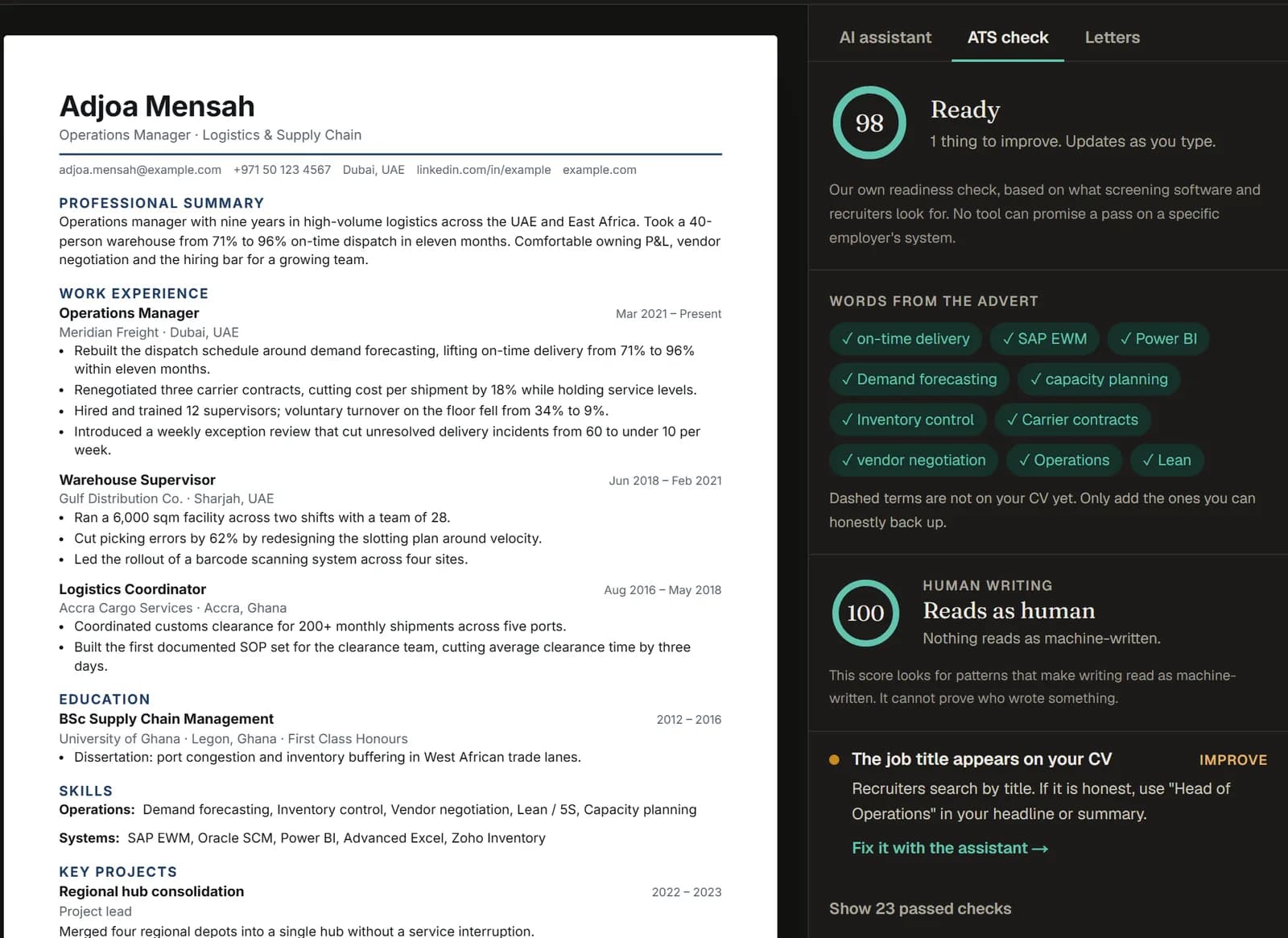
Paste a link to the job, a screenshot or the advert text. It is read into a short job card. The keyword check (free) then compares your CV with it. It lists the key terms you have not used yet, and anything that trips up screening software: missing dates, unusual headings, bullets that list duties instead of results.
- Step 4
Let the AI tailor it
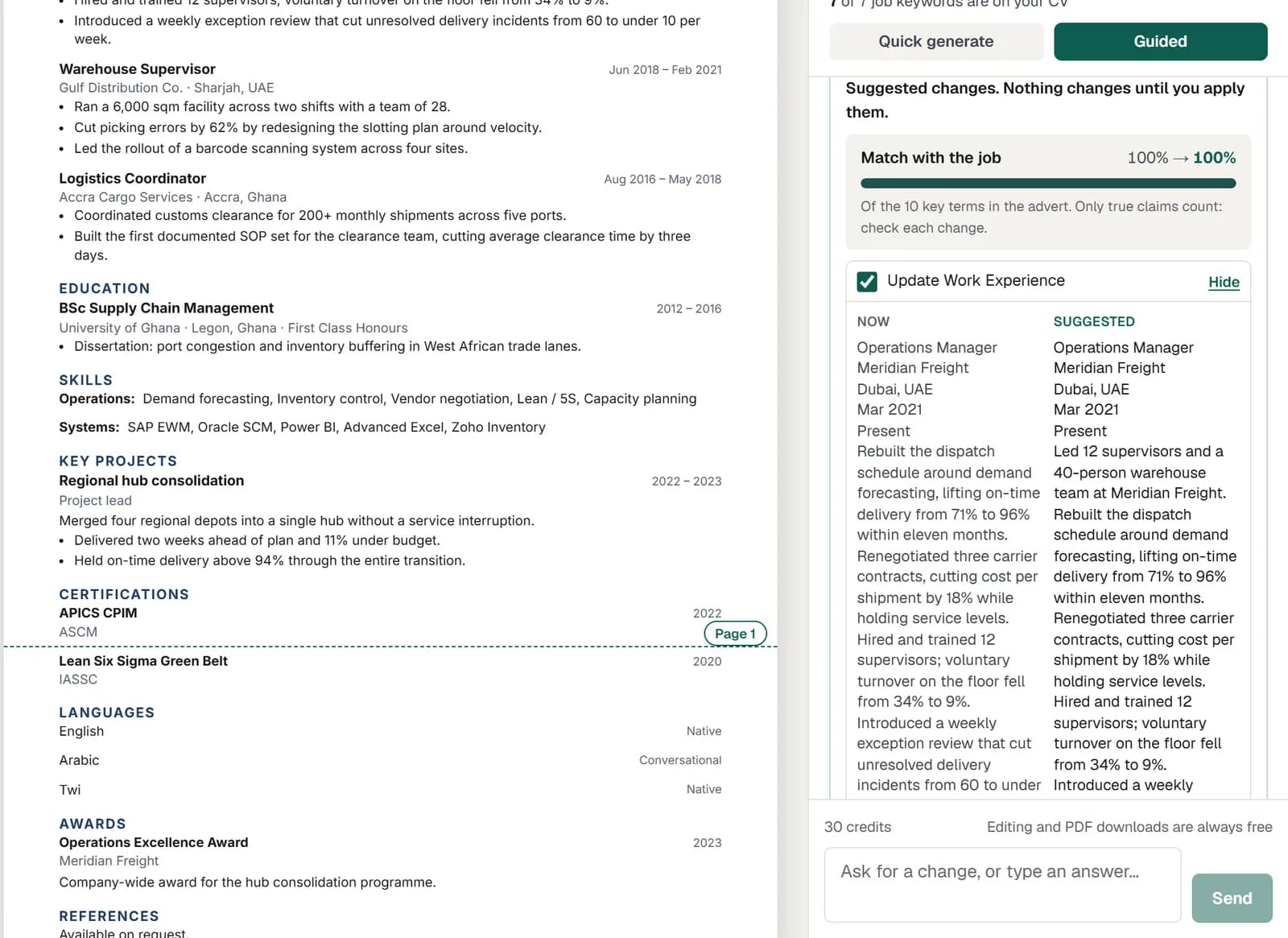
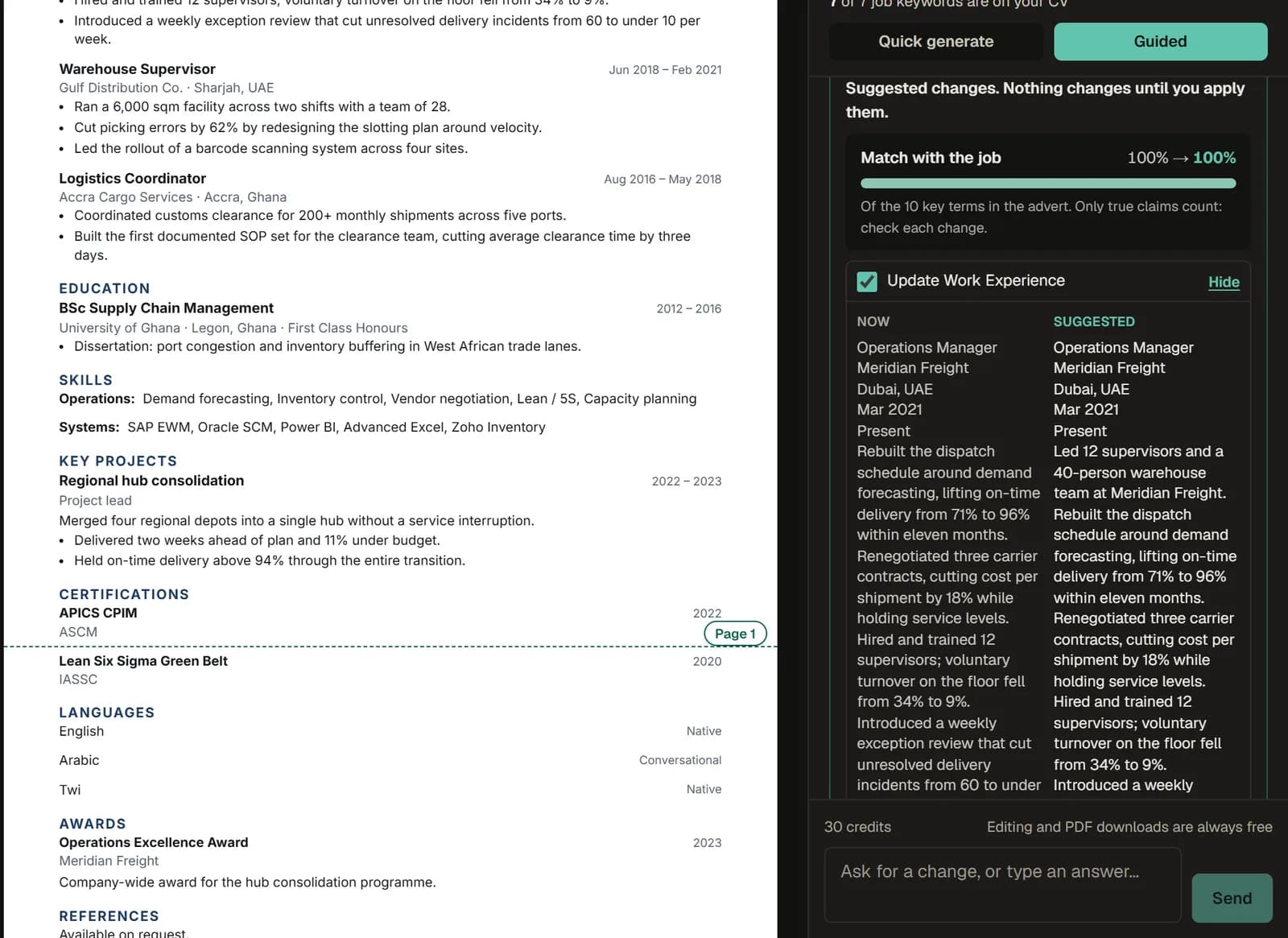
Quick generate writes a matching CV in one go. Guided mode, with a pack, asks about your real results first: team sizes, numbers, tools. Either way you review each change before it lands, and Undo steps back. It will not add a skill or a job you did not confirm. Signing in gives you a few free AI actions to try it.
- Step 5
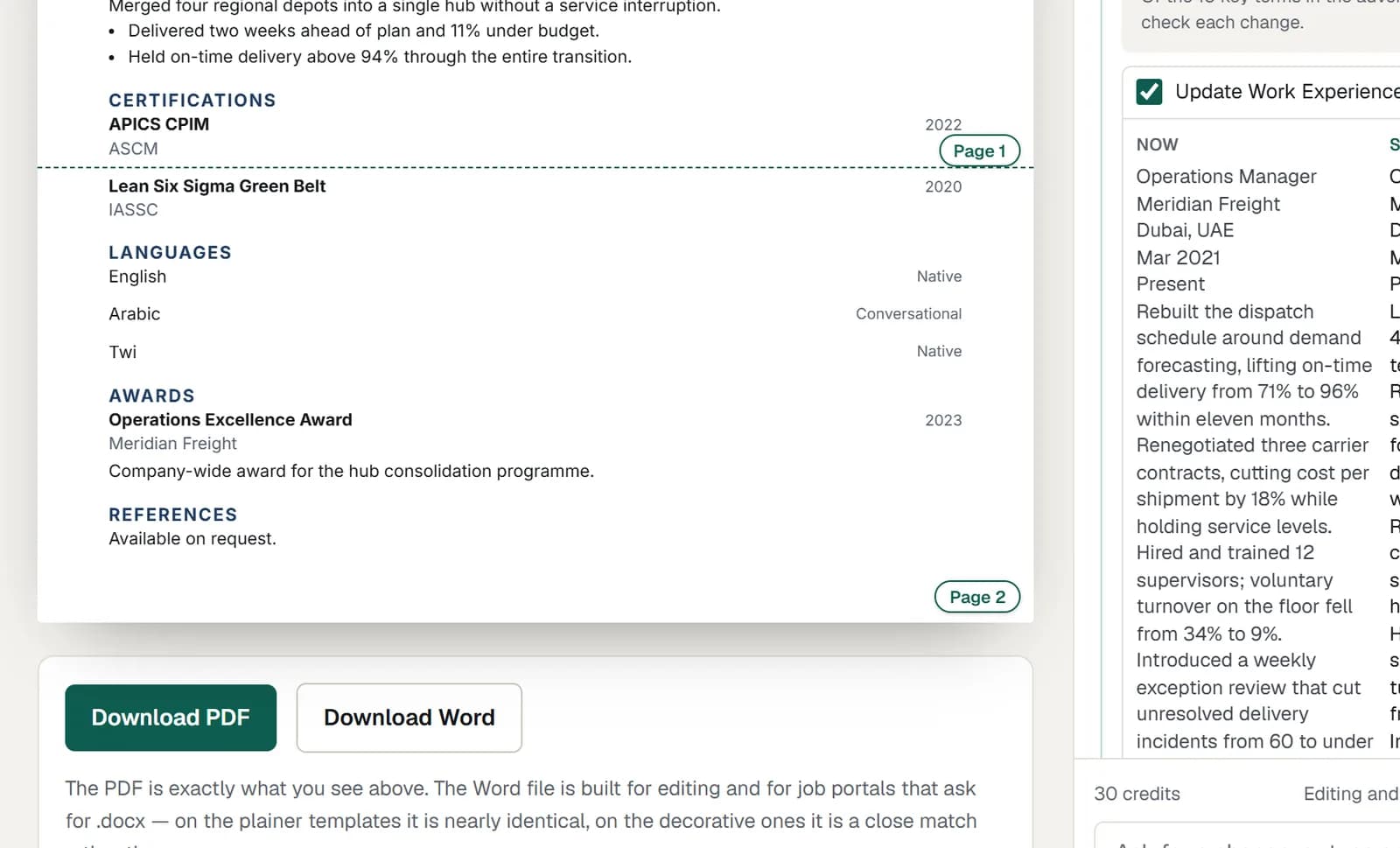
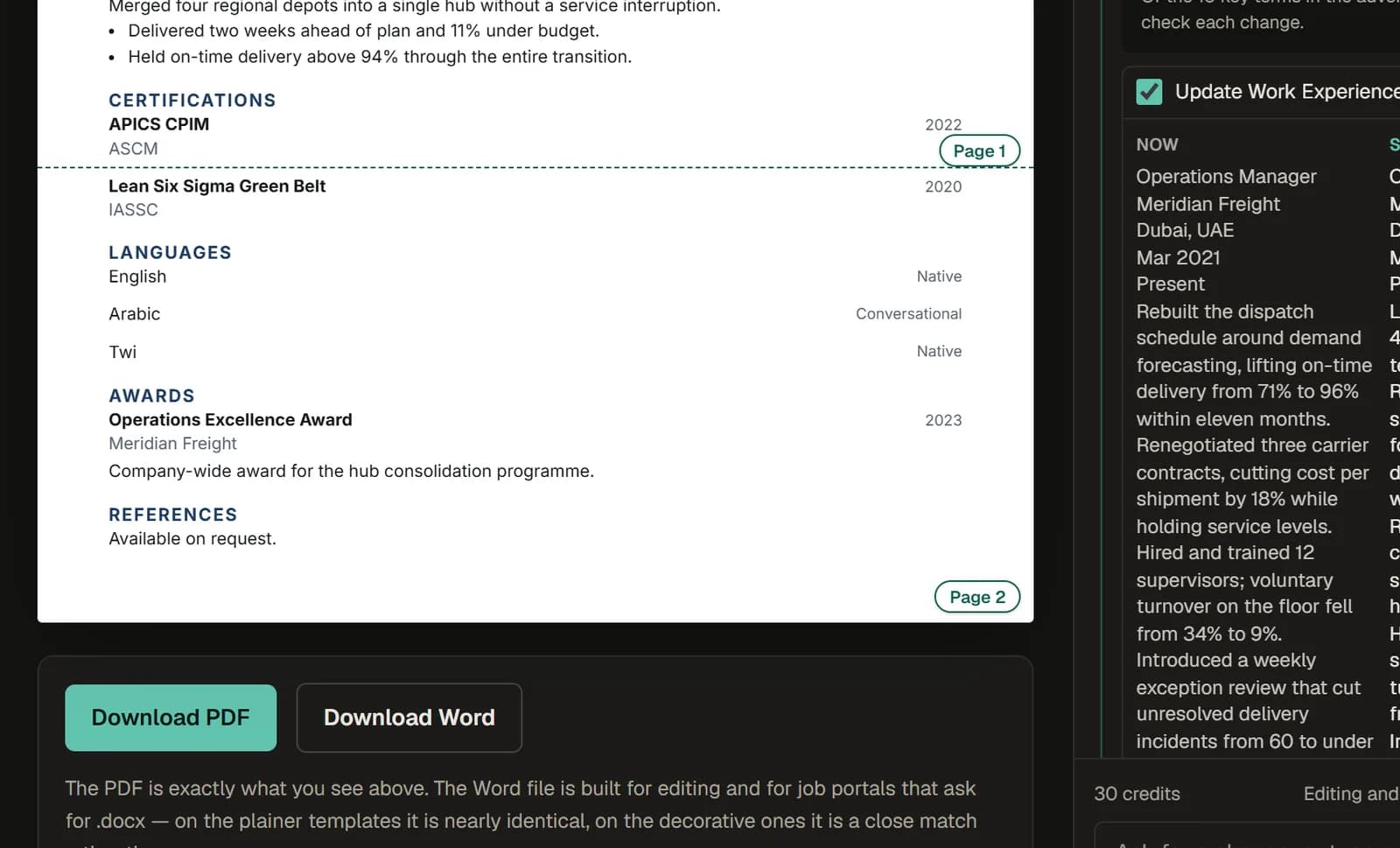
Download and apply
The PDF is exactly what you see on screen, page breaks included. With a pack you also get an editable Word file for portals that ask for one, CVs longer than one page, and a cover letter for the same job.
Your data
Without an email, your CV belongs to this browser and to a key you can save to open it anywhere; it is deleted 30 days after you last use it. With an account it is kept until you have not signed in for 12 months, and we email you first. Either way, you can delete everything straight away from the menu. The privacy policy has the detail.